Ordering software that pays for itself
KvikOrder gives restaurants, cafes, takeaways and food trucks their own online ordering, self-service kiosks and waiter system — with SumUp payments and no marketplace cut.
No binding period · Setup handled by us · Live in minutes
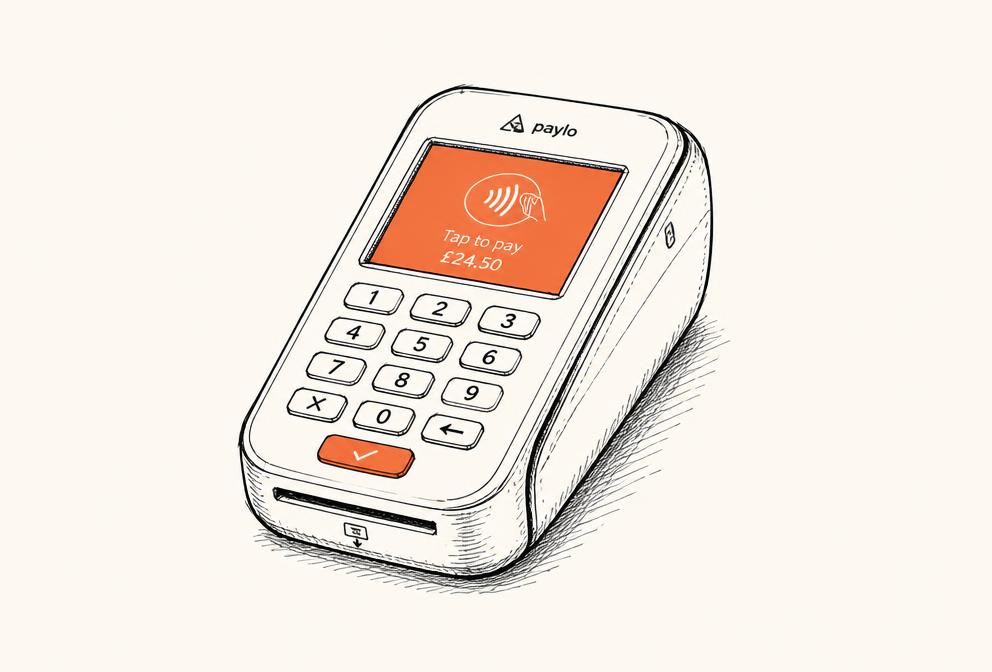
Pick the pieces your venue actually needs
Every module runs on the same menu and the same dashboard. Online ordering is its own tier — kiosk and waiter mode come together as the in-house POS tier, connected to your own SumUp terminal.
Online Ordering
Your own branded ordering page for pickup and delivery. Guests order in three taps, you keep every krone of the basket.
- Card, Apple Pay, Google Pay & cash
- Pre-orders and opening hours
- Automatic review emails
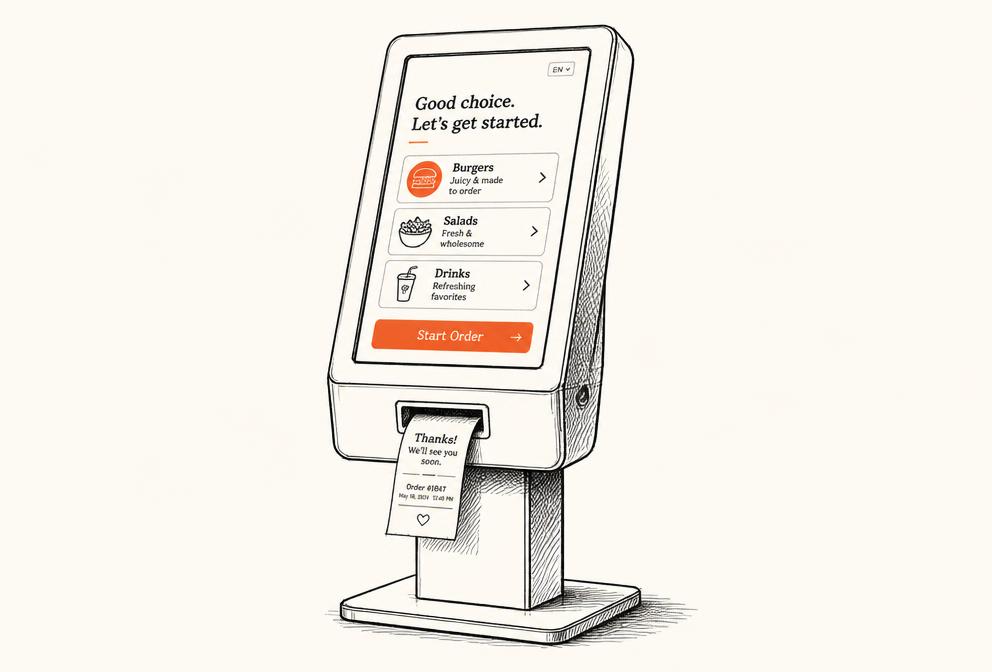
Self-Service Kiosk
Turn the queue into throughput. A kiosk takes the order, upsells the sides and sends the ticket straight to the kitchen.
- Orders print in the kitchen
- Upsell prompts on every item
- Free menu updates
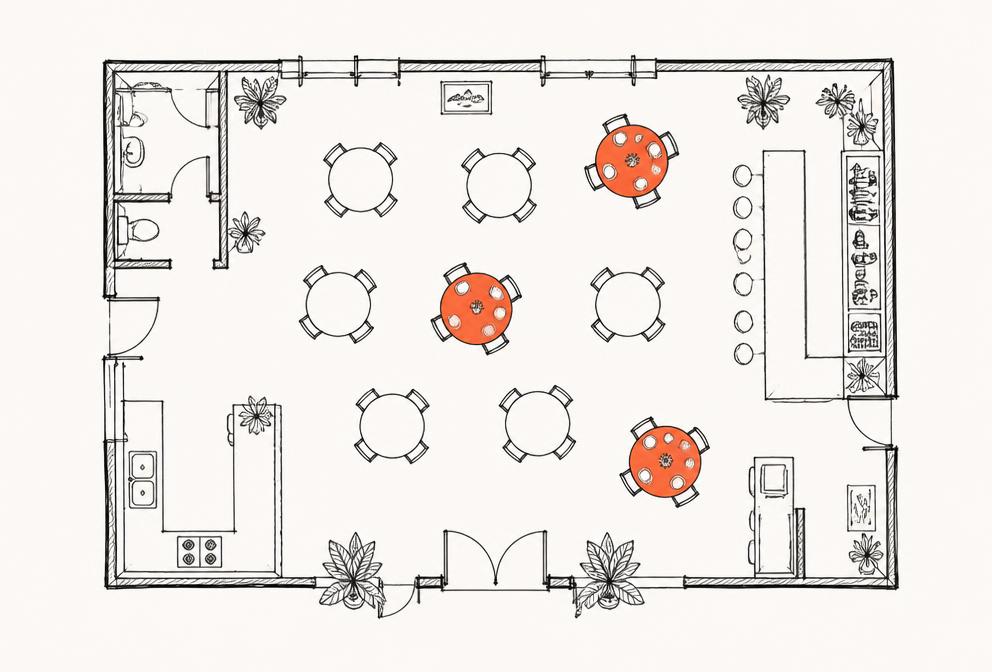
Waiter Mode
Built for the floor. Take orders at the table, split the check and keep track of every seat during the rush.
- Table map and seat-level orders
- Split checks and partial payments
- Works on any phone or tablet
Everything a busy service needs, nothing it doesn't
SumUp payments built in
Pair your SumUp terminal in seconds. Card, mobile wallets and cash all land in the same daily report.
Straight to the kitchen
Tickets print or appear on screen the moment an order is paid. No tablet juggling, no re-typing.
Kitchen time control
Set prep times per period and pause ordering with one tap when the kitchen is buried.
Sales you can read
Daily revenue, best sellers and peak hours in plain numbers — exportable for your accountant.
Multilingual menus
One menu, several languages. Guests see your food in their language, you maintain it once.
No binding period
Month to month. Add a module when you grow, drop it when the season turns.
We do the setup. You do the cooking.
You don't need an IT person. Send us what you have and we'll build the system around your menu.
Start with a demoSend us your menu
A PDF, a photo or a link. We build the digital menu for you.
We set it up
Branding, prices, opening hours and printer — configured and tested.
Connect payments
Link SumUp and your bank account. Payouts land within two days.
Take your first order
Setup takes minutes, not weeks - most venues take their first order the same day.
Your own channel beats renting someone else's
“The kiosk pays for itself on a Friday night. The queue moves, and nobody forgets to ask about drinks anymore.”
“We moved our takeaway off the big platforms and kept the same volume. The difference in margin is the whole point.”
Questions we get a lot
- What's the difference between Online and POS?
- Online is your branded ordering page for pickup and delivery — no hardware needed. POS adds the in-house tools: self-service kiosk and waiter mode, both running on your own SumUp terminal for card payments on-site.
- Do I need new hardware?
- Not necessarily. Online ordering runs on the phones and tablets you already have. For POS, you need at least one tablet for the kiosk or waiter mode - already have one? Great. If not, see our Hardware page for tablets, SumUp terminals, kiosk stands and receipt printers. Already have a SumUp terminal? Connect it in minutes.
- How does the payment work?
- Online tier payments run through our payment partner at 1.1% per transaction. POS tier payments run on your own SumUp terminal at 0.89% per transaction in POS mode. New to SumUp? Sign up through our partner link on the Hardware page and we'll help you get set up.
- Can I switch tiers later?
- Yes. Most venues start on Online, then move to POS once they want a kiosk or table service in-house. Month to month, no lock-in.
- What if I need help?
- Every plan includes support. We handle menu changes, printer issues and setup questions — usually the same day.
Ready to print your first ticket?
Book a 20-minute demo. We'll show the system on your own menu — no slides, no commitment.